Page 1 of 2
How To Lean Into Corners Correctly
Posted: Sun Jul 20, 2008 10:47 pm
by PhilDinAZ
I've been riding for quite a few decades but I never stop learning better riding techniques. Picked one up from this fellow. Here is a photo for you all to learn from. Practice, practice, practice every chance you get!

Re: How To Lean Into Corners Correctly
Posted: Sun Jul 20, 2008 10:55 pm
by markg
Do you play MSBL?
Re: How To Lean Into Corners Correctly
Posted: Sun Jul 20, 2008 11:14 pm
by CycleRob
You post it like this:

EDIT: Link to image is no longer active
Re: How To Lean Into Corners Correctly
Posted: Mon Jul 21, 2008 4:11 am
by riceburner
I'm still none the wiser....
Re: How To Lean Into Corners Correctly
Posted: Mon Jul 21, 2008 2:19 pm
by CycleRob
To post (using Windows) a link or an image on a website:
1--Right click on the image.
2--Select "Properties" from that pop-up window.
3--You may have to touch-n-drag the pop-up window's right edge to enlarge it enough for full display of the URL.
4-- Left click and hold it down at either end of the link.
5--Drag the cursor to the other end of the "http:\\www.XXXXX..." URL to select and highlight it.
6--Release left mouse button then right click the highlighted link.
7--Select "Copy" from that pop-up window.
8--Return to your post input window. Touch the text area where input needs to go
9--In the buttons above, touch either "Img" or "URL". They will appear in your post where you want the IMG LINK or URL.
10--Press the "Ctrl+V" keys together to paste the link.
11--Select the "Preview" button below the text entry area to either see your image or test your link. Use the "Back" button or "BackSpace" key to return you to your post entry area.
12--Smile at learning another important new skill.
.
Re: How To Lean Into Corners Correctly
Posted: Mon Jul 21, 2008 4:35 pm
by MikeCam
This thread is useless without pics.
Re: How To Lean Into Corners Correctly
Posted: Mon Jul 21, 2008 6:54 pm
by PhilDinAZ
I have linked and relinked and relinked probably 4 times now. It shows when I submit but for some yet unknown reason when I come back a few hours later the photo is gone and in it's place it just says Image.
I have built websites, had my own Apple IT business, was a professional photographer and like to think somewhat of a competent geek but this has me baffled. It might be something with Google's Picasa which I use to host all my online photos. I apologize to all who visit this link and see nothing.
Re: How To Lean Into Corners Correctly
Posted: Mon Jul 21, 2008 7:08 pm
by CycleRob
It's the place where the pic is stored. They don't like it when people "hot link" to their site just to see a pic without actually going there.

I use photobucket.com because it has few restrictions, allows large files and your ability to have many albums with many subfolders. All free without any hassle.

Re: How To Lean Into Corners Correctly
Posted: Mon Jul 21, 2008 8:05 pm
by Biff's R
smugmug is good too.
Re: How To Lean Into Corners Correctly
Posted: Mon Jul 21, 2008 8:13 pm
by jfslater98
PhilDinAZ wrote:It might be something with Google's Picasa..
Yep, that's it. I have been using it too, here's the trick: do not use the handy "link to this photo" feature on the right.
Instead, right click on the photo as you are looking at it in the Picasa web folder.
In Firefox, I use "Copy Image Location"
Then paste the result inside the IMG tags.
This should work

This link gives me a "It was not possible to determine the dimensions of the image." error message when I try to embed in IMG tags
http://picasaweb.google.com/slater.f/20 ... 6331331602
And the links are different. I just edited the previous link to make the image a bit bigger here in the forum. Sorry, hope you don't find it obnoxious.
EDIT: making smaller pic and attempting link

.
Note: have to use picasa's "link to this photo" for URL, and actual JPG location (right click at web album) for IMG part
Re: How To Lean Into Corners Correctly
Posted: Mon Jul 21, 2008 9:14 pm
by PhilDinAZ
I understand what you're all saying but Picasa doesn't seem to have those restrictions as each Album and Photo have distinctive "Links to this photo." One for "Paste link in email or IM" and another "HTML to embed in website" and I have tried both plus the direct link from selecting just the photo itself.
Re: How To Lean Into Corners Correctly
Posted: Tue Jul 22, 2008 4:14 am
by riceburner
Does this work?
Re: How To Lean Into Corners Correctly
Posted: Tue Jul 22, 2008 4:48 am
by NoRRmad
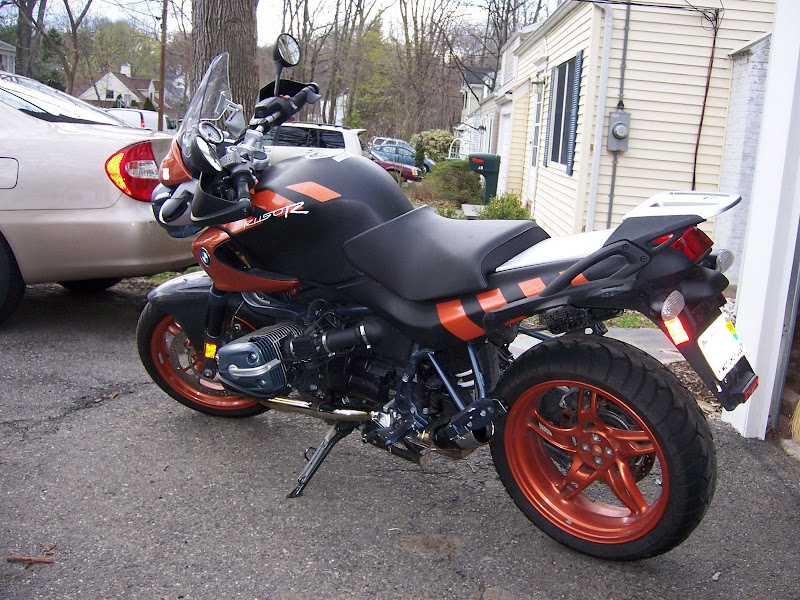
Well, it's that shot of a guy in black helmet and full race leathers, putting a knee down off that panda-painted playground ride with the big spring...
PhilDinAZ wrote:I have linked and relinked and relinked probably 4 times now. It shows when I submit but for some yet unknown reason when I come back a few hours later the photo is gone and in it's place it just says Image.
I have built websites, had my own Apple IT business, was a professional photographer and like to think somewhat of a competent geek but this has me baffled. It might be something with Google's Picasa which I use to host all my online photos. I apologize to all who visit this link and see nothing.
I can see it since I visited the site directly, by cut'n'pasting (from "properties,") the pic address. It's loading from my internet cache now and probably -- when that piece of cache expires -- won't last. Yup it's gone now. Complain to Picasa, try Photobucket.
Hm. Interesting. When I checked the "properties" of JF Slater's photo above -- which is also linked from Picasa -- your shot returned. I'm using MSIE.
Re: How To Lean Into Corners Correctly
Posted: Tue Jul 22, 2008 9:22 pm
by PhilDinAZ
OK, I finally figured out the problem. The link looks like this straight from Picasa:
"
http://picasaweb.google.com/PhilDinAZ/V ... 8444929650"
or
"
<a href="http://picasaweb.google.com/PhilDinAZ/V ... 9650"><img src="http://lh3.ggpht.com/PhilDinAZ/SIQJnTQV ... o_Ride.jpg" /></a>"
But our website here needs to have a size tag such as this "
?imgmax=640" at the end of the text string.
Re: How To Lean Into Corners Correctly
Posted: Tue Jul 22, 2008 10:56 pm
by OU812
Re: How To Lean Into Corners Correctly
Posted: Thu Jul 24, 2008 9:27 am
by famousperson
What are you laughing at? That's how I learned!
Re: How To Lean Into Corners Correctly
Posted: Thu Jul 24, 2008 9:33 am
by OU812
Re: How To Lean Into Corners Correctly
Posted: Thu Jul 24, 2008 12:16 pm
by PhilDinAZ
famousperson wrote:What are you laughing at? That's how I learned!
That's OK, I expect that from someone who's probably a Steelers fan.

Go Browns!!!
Re: How To Lean Into Corners Correctly
Posted: Thu Jul 24, 2008 6:50 pm
by Ves
Re: How To Lean Into Corners Correctly
Posted: Thu Jul 24, 2008 10:27 pm
by OU812


